The dressing room,
rewritten.
Try clothes from Myntra, Amazon, Flipkart. Try hair from Pinterest. On your photo. In one click. Fifteen seconds. Yours to keep.

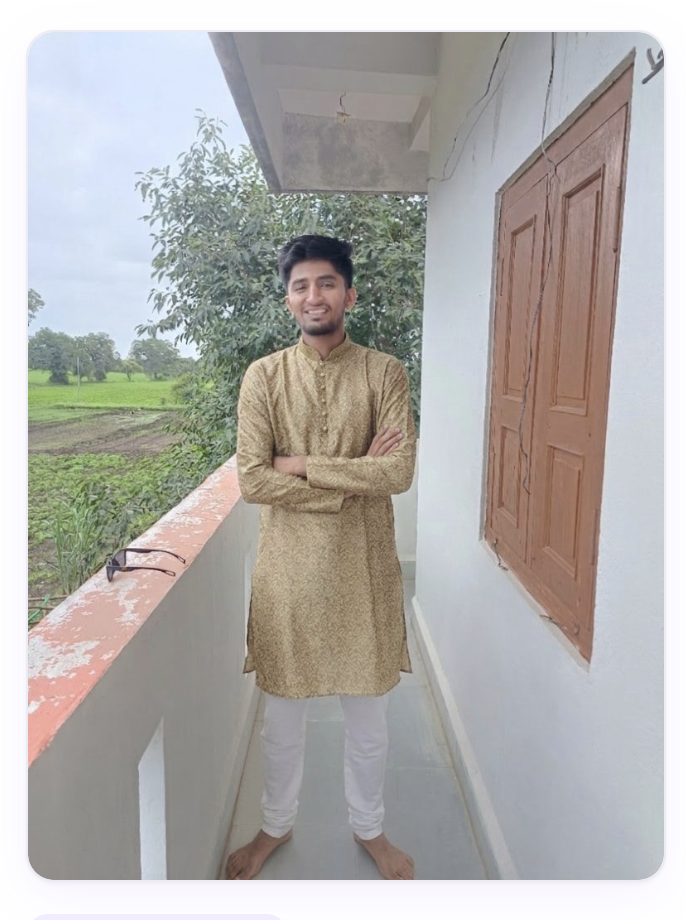
◆ The Method
Three steps. No more.
Add the reference once. It stays on your device.
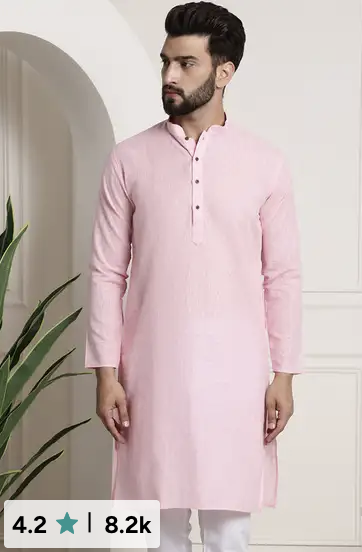
Hover any product. A small mark appears. Click.
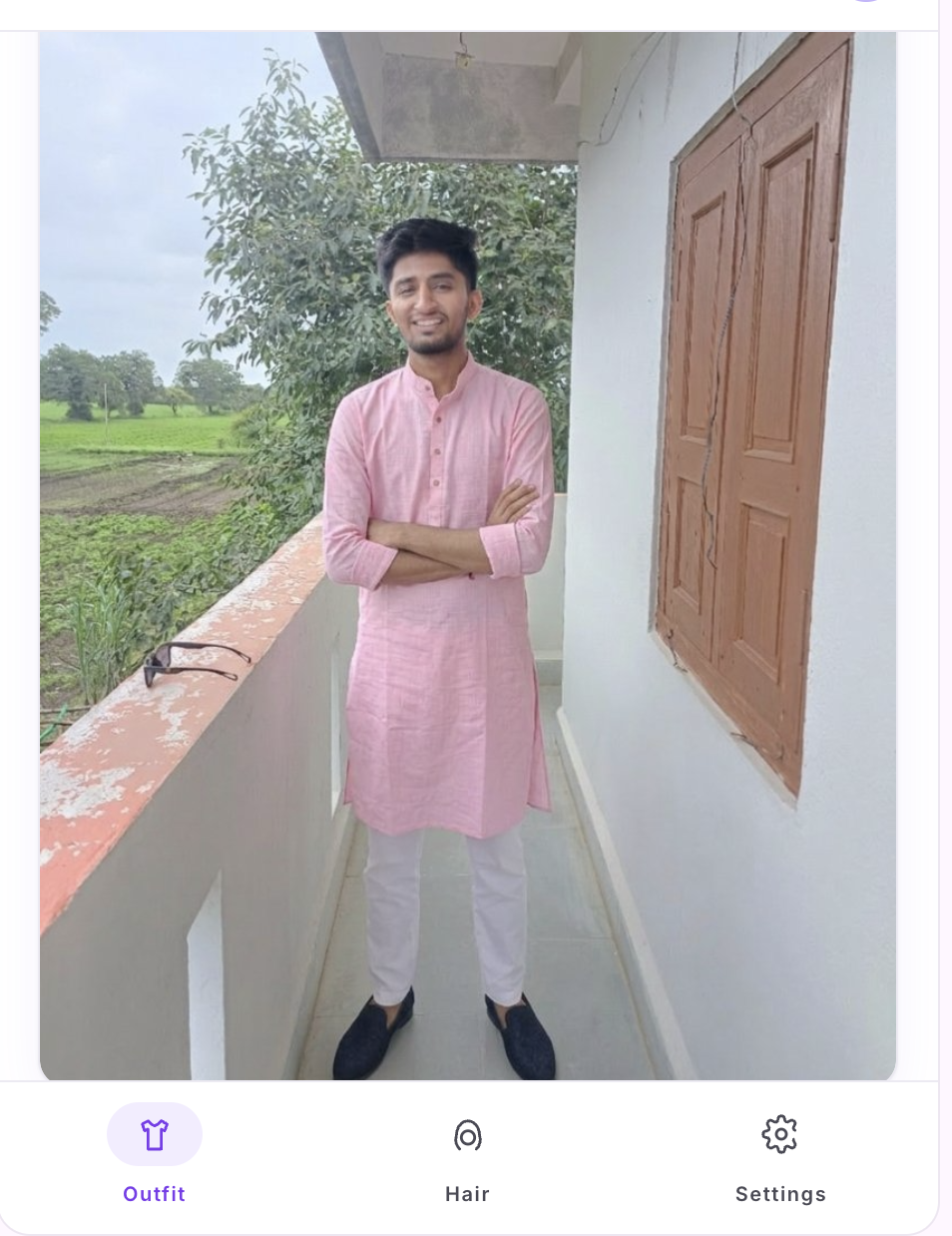
Fifteen seconds. The result is yours to keep.
★ The Outcome
◆ Hover · Click
One click, on any product.
No tabs to switch, no screenshots to crop. Hover any image on a shopping site or Pinterest pin. A small purple mark appears. Click it once — your reference photo meets the garment, and the model does the rest.
Try it free →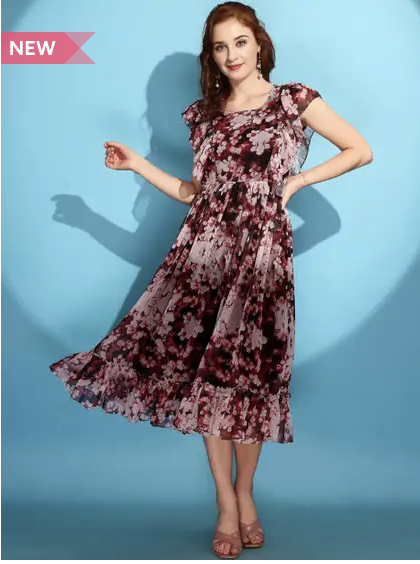 Try on
◆ Two pipelines
Outfit and hair, in one image.
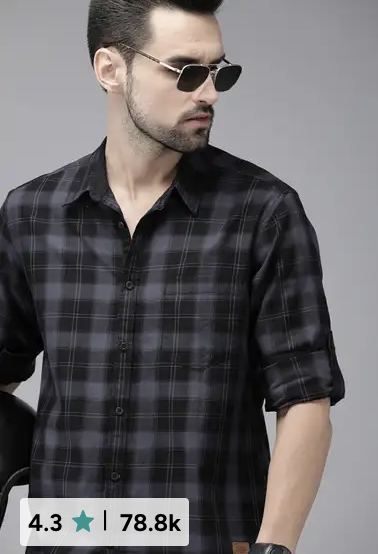
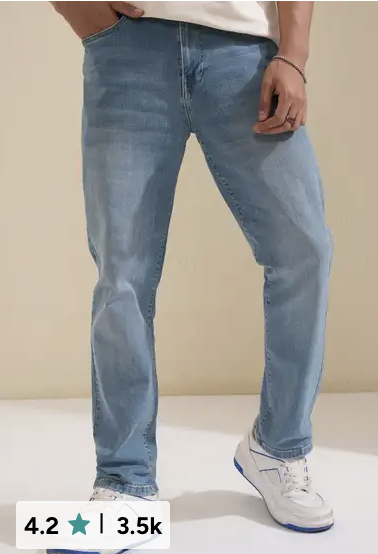
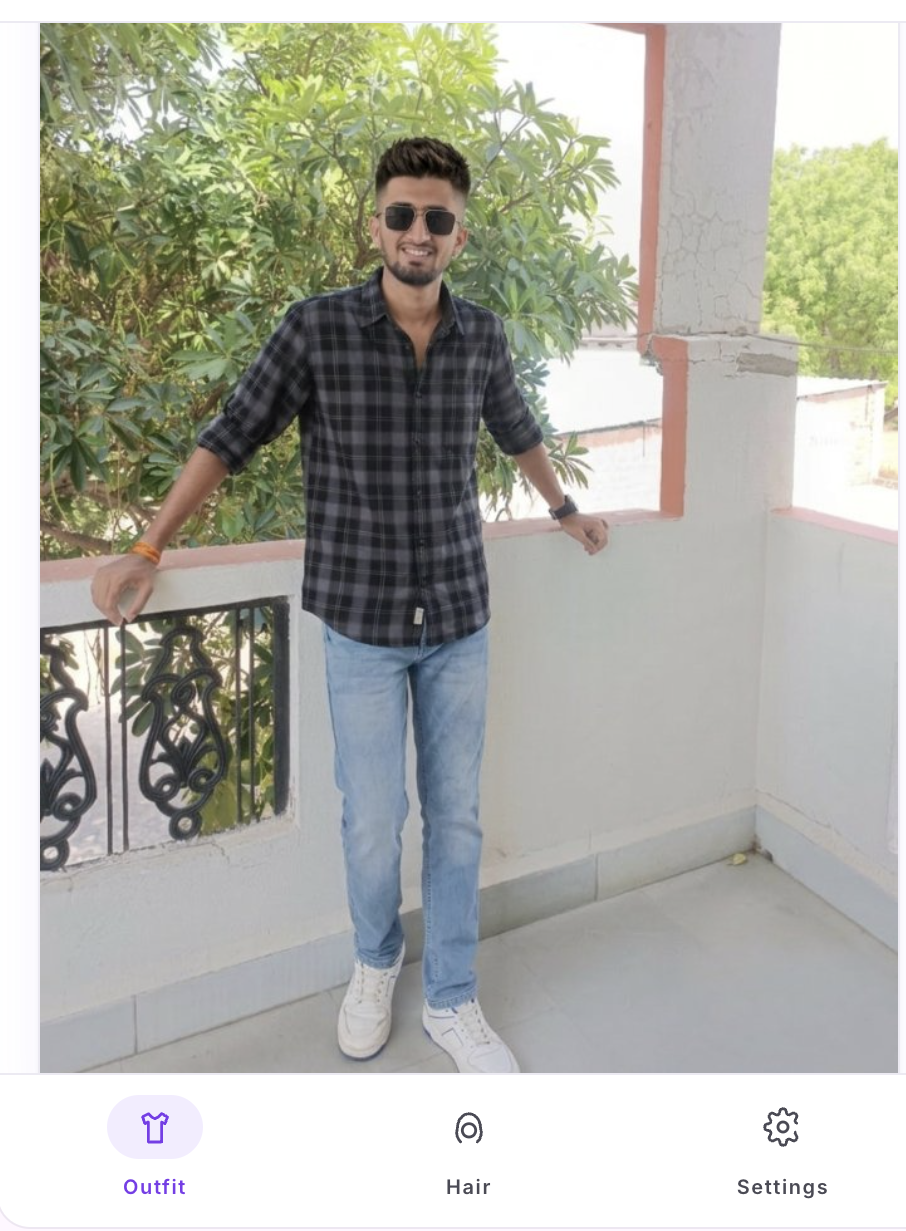
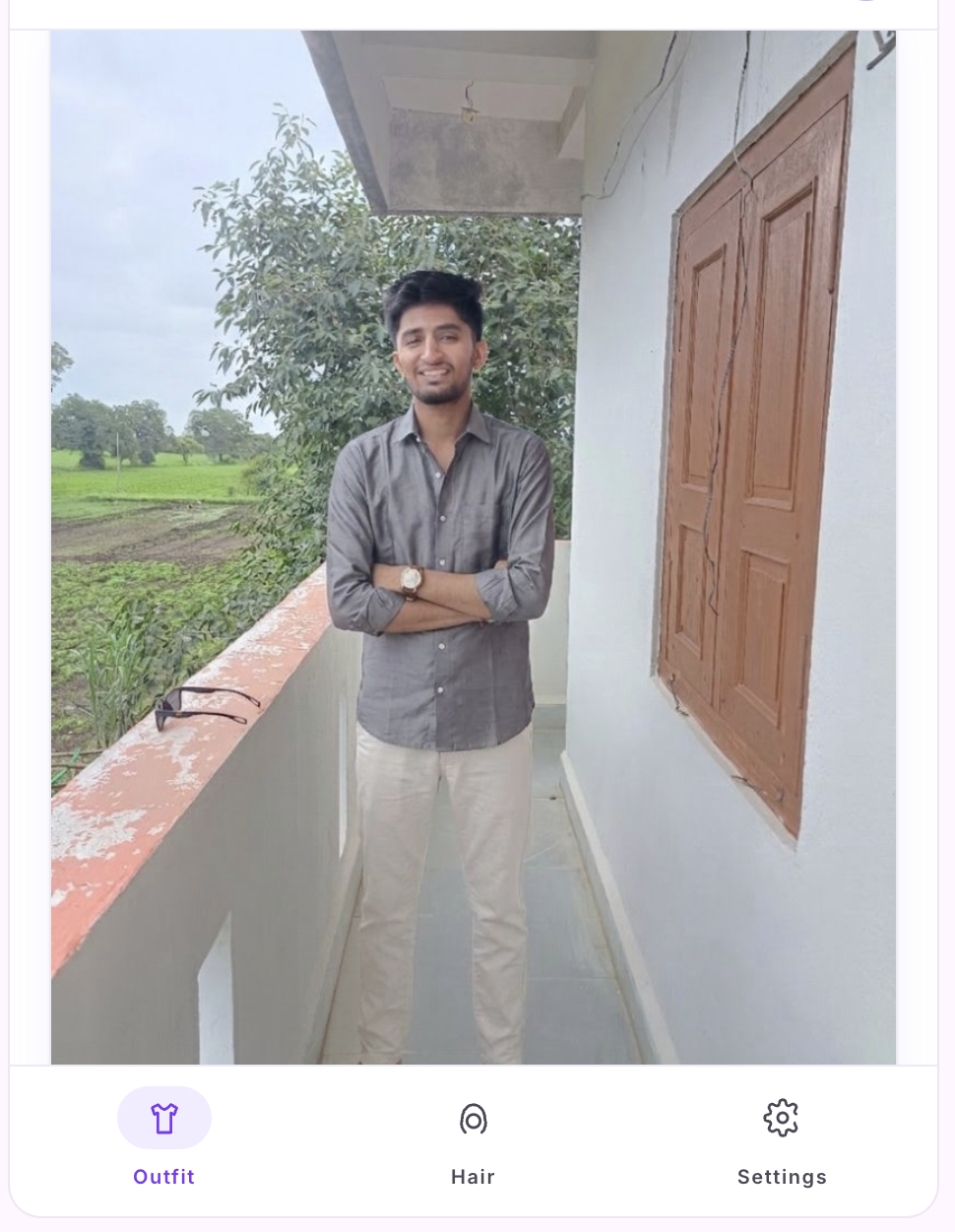
Pick a top from Myntra, jeans from another model, a hairstyle from a Pinterest pin — compose every piece in the side panel and let the model assemble a single photograph of you. No tab-switching. No collage. One result.
See it in the panel →
◆ The Wardrobe
Outfits, composed.
◆ The Salon
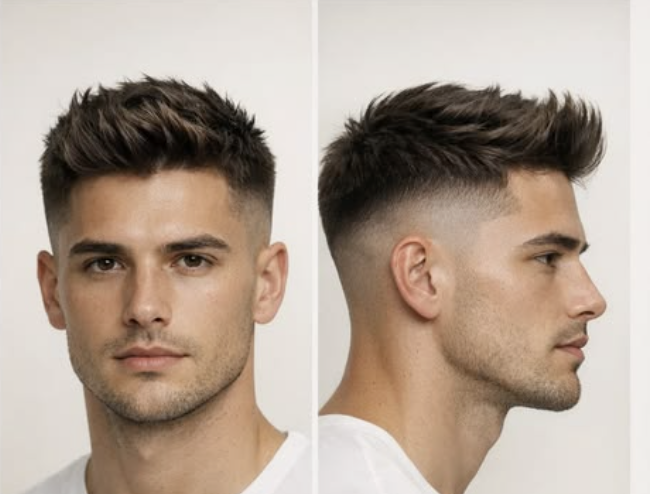
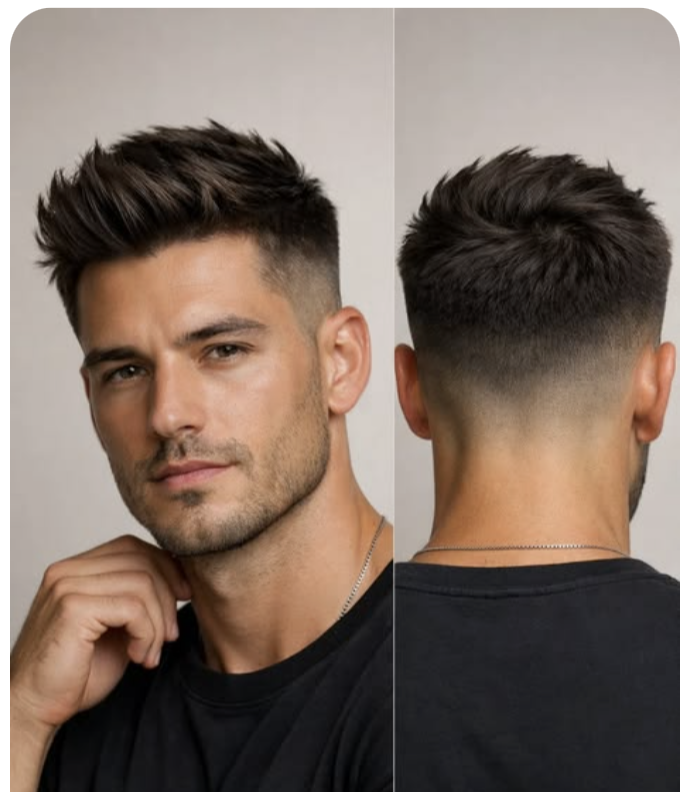
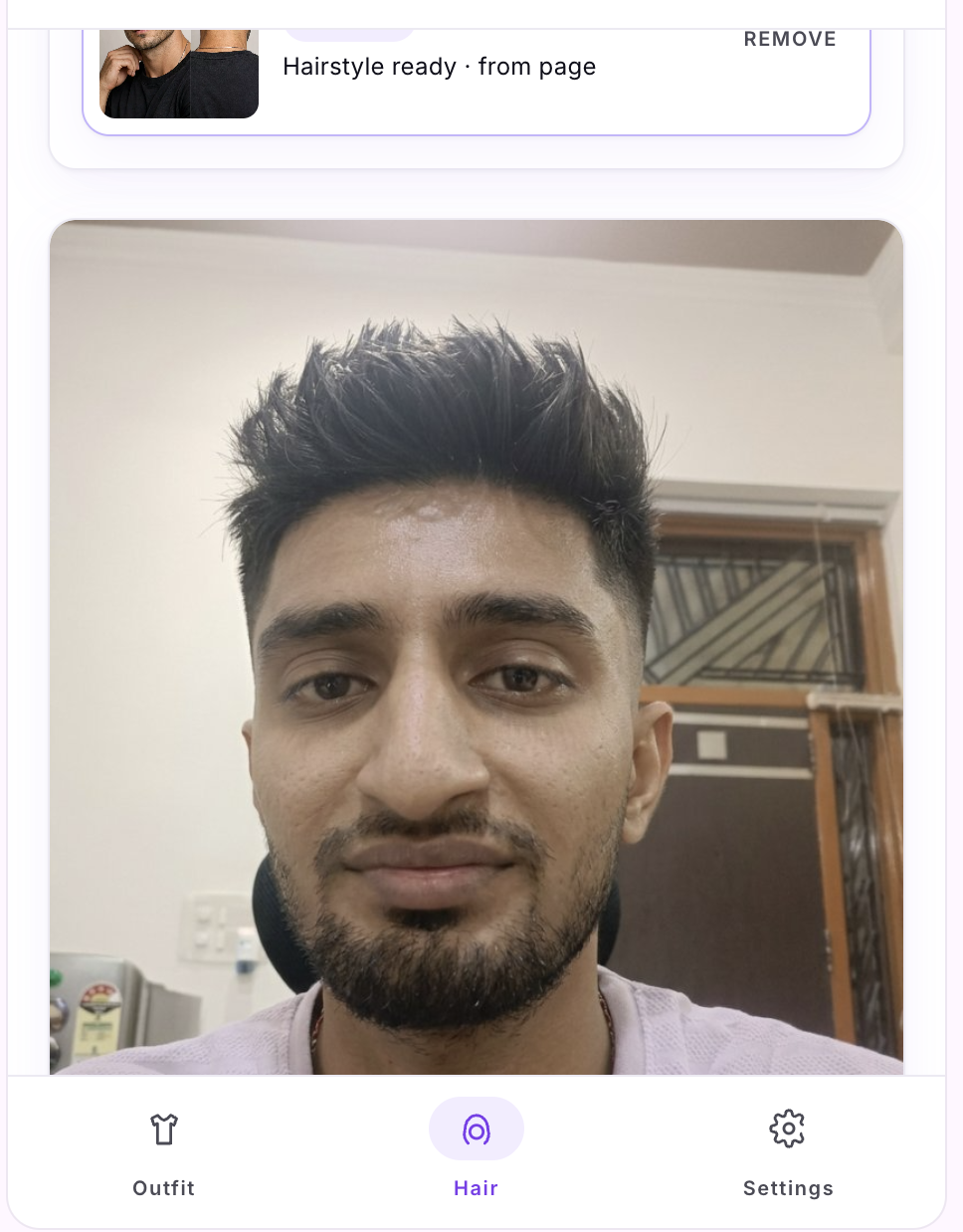
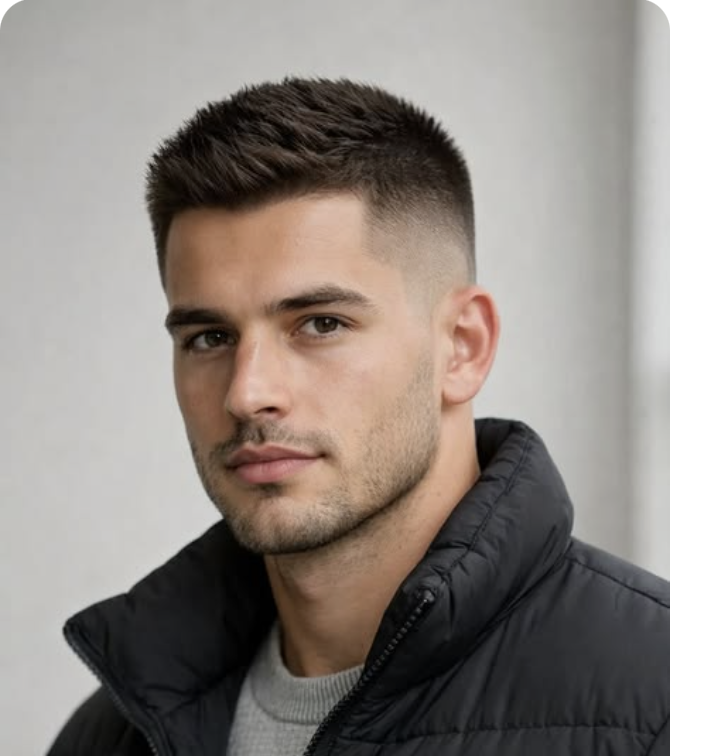
Hair, previewed.
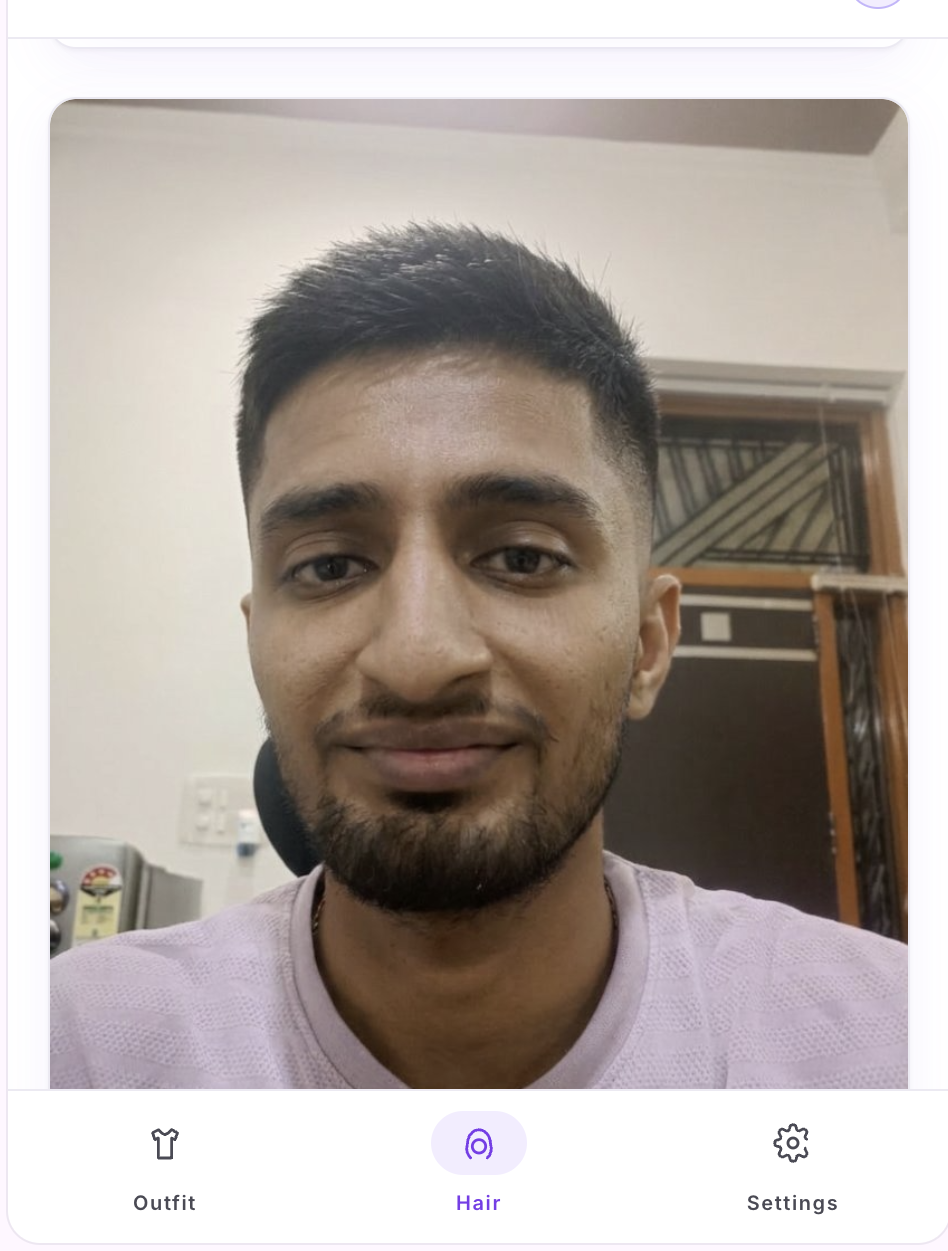
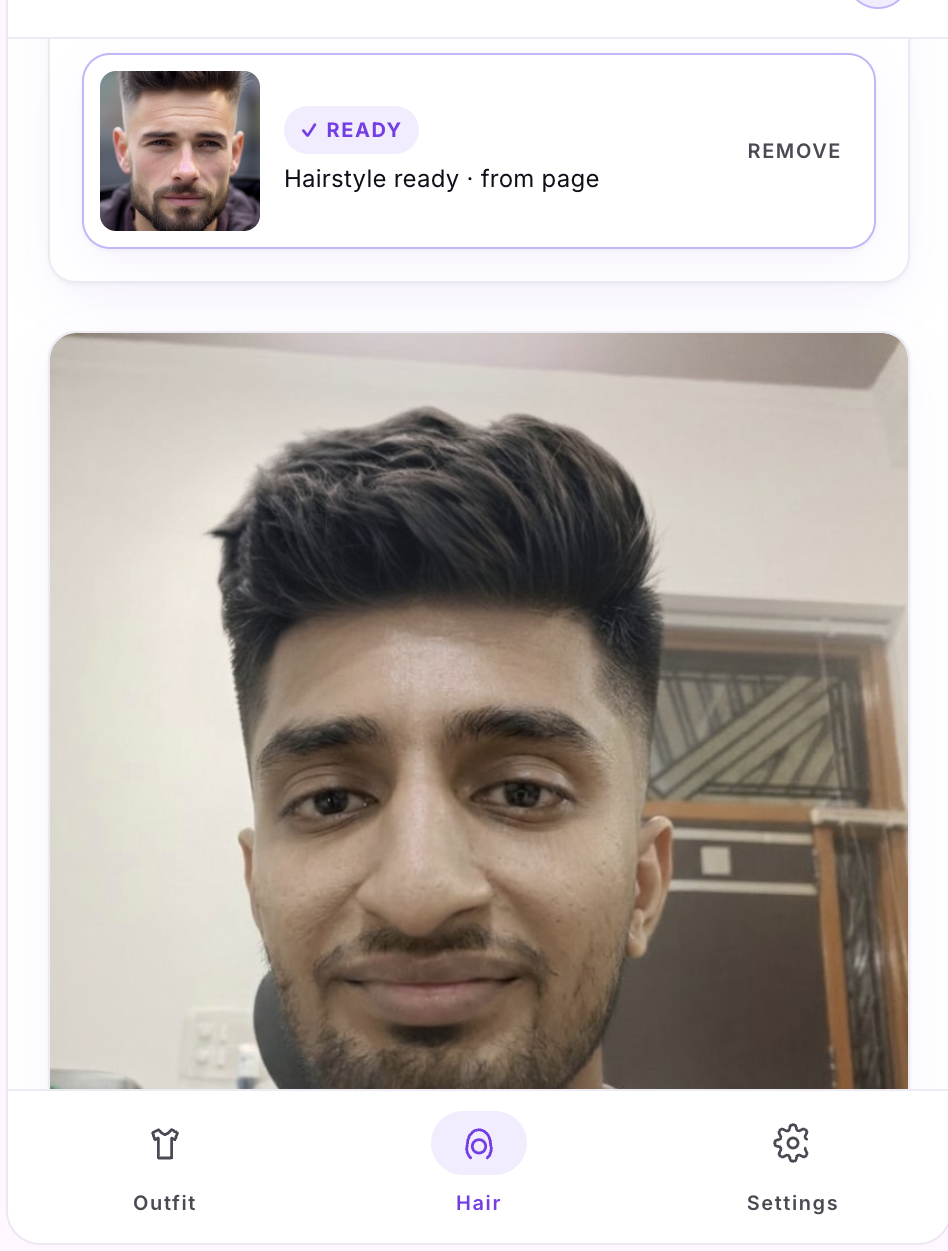
Pick a haircut from a Pinterest pin or a celebrity photo. Your face, your beard, your clothes, your room — all preserved. Only the hair changes.

◆ On Privacy
Your photo, your machine.
Reference photos live in chrome.storage.local on your own device. We do
not upload, store, cache, or train on them. The single time a photo leaves your device
is the transient request to Google's Gemini model when you click Generate. We never
see the bytes.
◆ Pricing
Free during beta.
Twenty try-ons on the house — fifteen anonymous, five more after a one-click Google sign-in. Paid plans, coming. Drop your email in the extension and we will let you know.
No card. No commitment. Designed for trying it on a real shopping page and seeing whether the result is worth your time.
Add to Chrome — Free →◆ Installation Notes
While we await Web Store review.
- Download the latest
tryon-dist.zip. - Unzip somewhere stable on your machine.
-
Open
chrome://extensions, enable Developer mode, click Load unpacked, point at the unzipped folder.